
The Apps Management section gives a Super Admin the ability to manage all apps on the platform. You can publish and unpublish apps, add or remove App Designers, and view a audit history for each app on your platform.
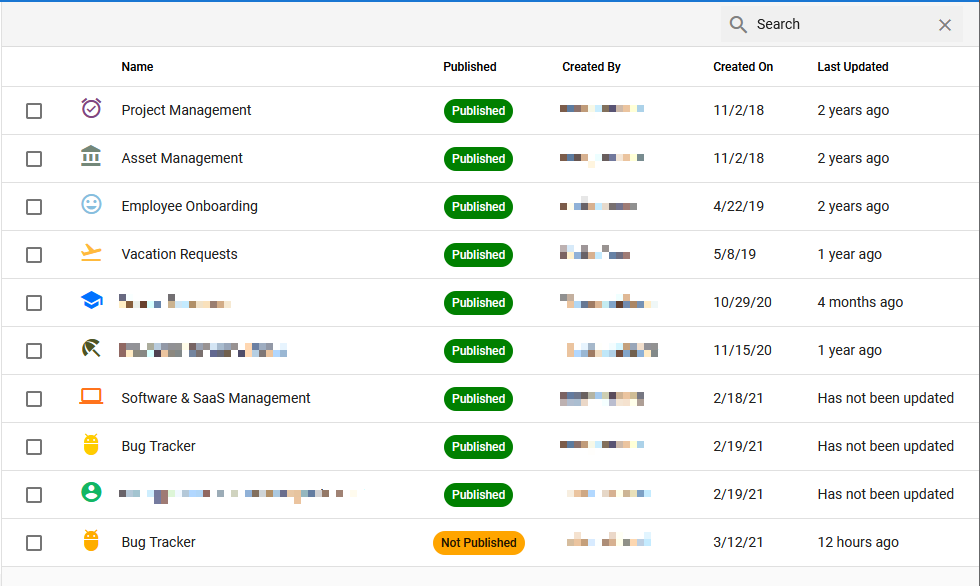
Apps Management: Publishing
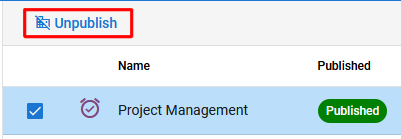
To publish or unpublish an app, select it and a button will appear on the menu bar (either ‘Publish’ or ‘Unpublish’, depending on the apps current status).
App Designers & Audits
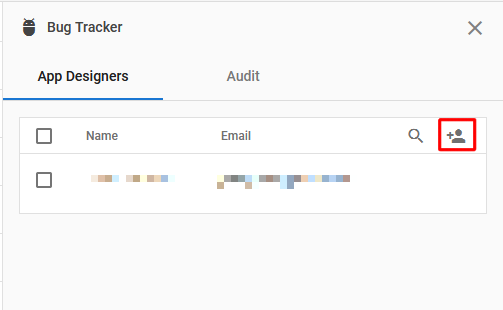
Selecting an application will also open a right-side panel with two tabs: App Designers e Audit.
The App Designers tab lets you manage the App Designers for the selected application. You can add designers using the ‘add user‘ button next to the search function. To remove a designer, select the user and the ‘add user‘ button will be replaced by a trashcan icon – clicking this icon will remove the designer.
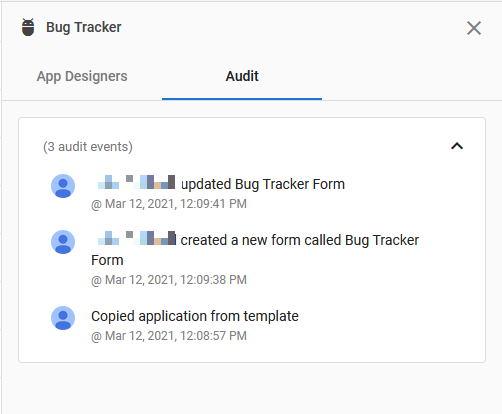
The Audit tab displays a reverse chronological audit history for design or admin changes within the app. (Activity related to record activity is not tracked in this audit list.)
 English
  Spanish
  Italian