
The email field is a basic entry field with extra validation to ensure the entered value is in a valid email format.
| The default look of the Email field |
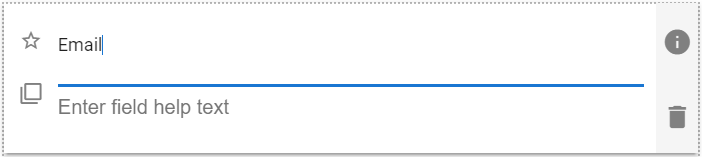 |
Email Field Properties
| Setting | Description |
| Basic Tab / General Settings | |
| Display Name Field Help Text Required |
See General Field Features |
| Basic Tab / Validation Section | |
| Minimum Allowed Characters | Enable to set a minimum number of characters. Displays the following two fields when enabled: |
| Min Length | Enter the desired minimum number of characters. |
| Message to show user | Enter the text to display when the user entered value has a smaller number of characters than the Min Length value. |
| Maximum Allowed Characters | Enable to set a maximum number of characters. Displays the following two fields when enabled: |
| Max Length | Enter the desired maximum number of characters. |
| Message to show user | Enter the text to display when the user entered value has a higher number of characters than the Max Length value. |
| Advanced Tab / Conditional Visibility – See Conditional Visibility | |
Usage Example
| Email Usage Example |
 |