
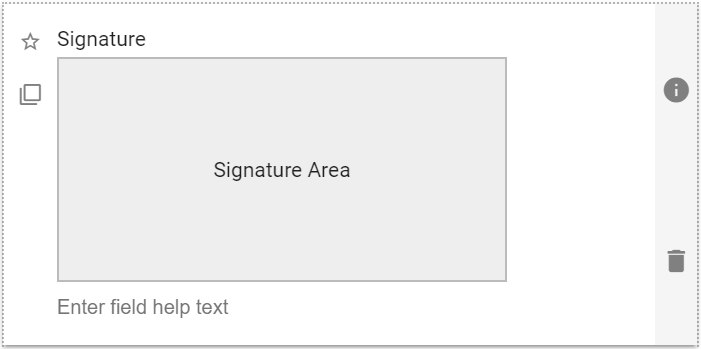
A rectangular field that allows you to enter a digital wet signature. On touch enabled devices, like smartphone and tablets, you can sign directly in the field using your finger or a stylus. On a non-touch device you can use your mouse or touchpad. You may also add your Signature fields to your PDF Templates and Email Templates.
| The default look of the Signature component |
 |
Signature Field: Properties
| Setting | Description |
| Basic Tab / General Settings | |
| Display Name Field Help Text Required |
See General Field Features |
| Options Tab | |
| Align Signature Box | Defines how the signature box displays in the form area it is placed. Select from:
|
Usage Example
| Signature Usage Example |
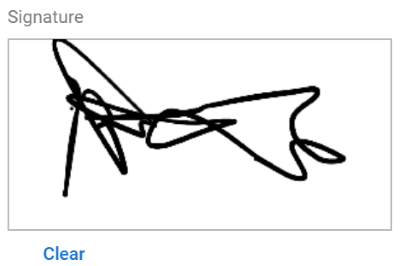 |
Clicking on the Clear icon will clear the current contents of the signature box and allow you to enter a new one if your prior attempt wasn’t satisfactory.